
18+ Only — This directory lists adult AI tools. Read our Terms

Head-to-head comparison

CamSoda AI vs ClipMode — full 2026 comparison

CamSoda AI (4.2/5) and ClipMode (4.2/5) both rank highly in our catalog. Below, side-by-side on the criteria that actually move a buying decision — scores, pricing, privacy, and what each tool does better than the other.

CamSoda AI thumbnail

CamSoda AI

★ 4.2 / 5

CamSoda AI is an AI chat platform offering photorealistic AI girlfriends, image generation, and voice chat with a free account.

Recommended for users seeking a free AI girlfriend chat with image and voice features, though premium plan details are missing.

Chat
ClipMode thumbnail

ClipMode

★ 4.2 / 5

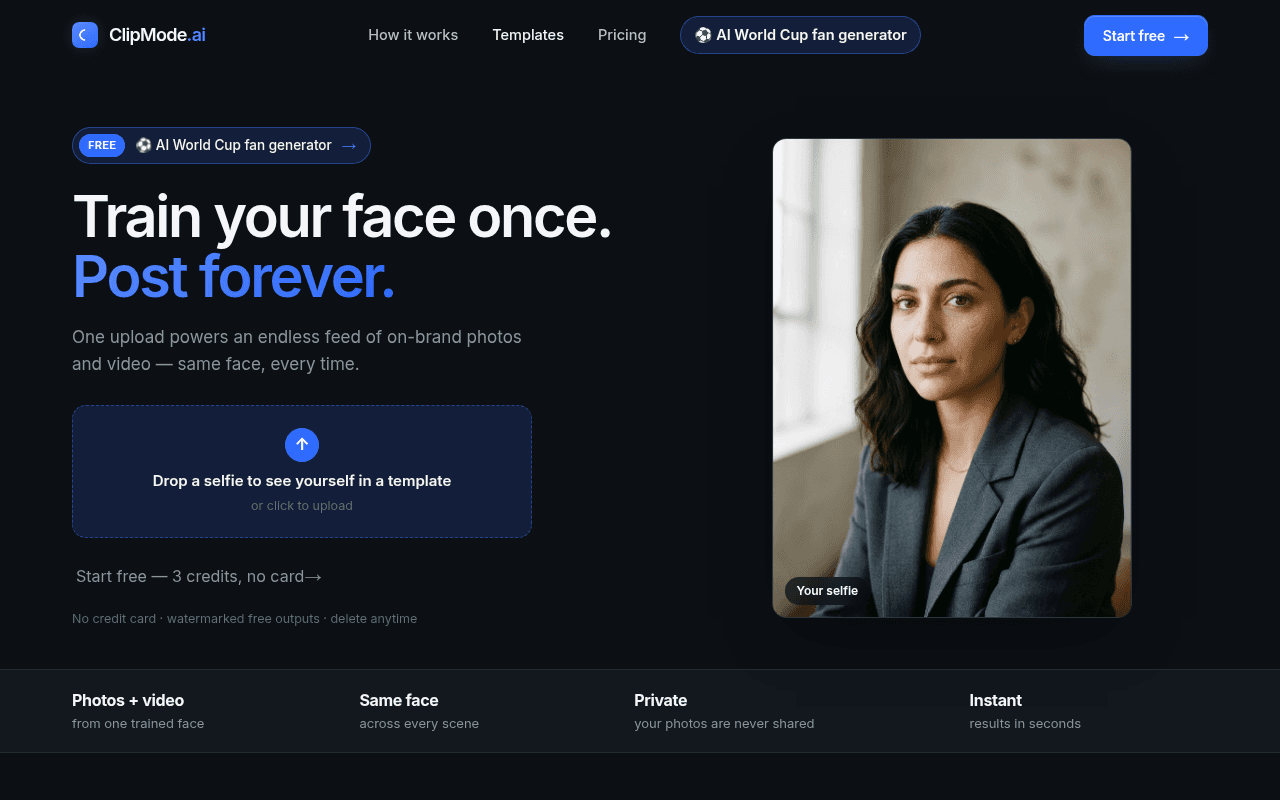
One upload powers an endless feed of on-brand photos and video — same face, every time.

ClipMode could suit creators who need a consistent virtual character across multiple visual styles, but without independent reviews its actual performance and reliability remain unverified.

Other

Rubric profile

How we score →
Rubric comparison radar chartRubric comparison between CamSoda AI and ClipMode. CamSoda AI scores 4.2/5 vs ClipMode at 4.2/5.Content30%UX25%Privacy20%Pricing15%Reliability10%
CamSoda AI4.2ClipMode4.2

Criterion-by-criterion

Content30%
5.0
5.0
UX25%
5.0
5.0
Privacy20%
2.3
2.3
Pricing15%
5.0
5.0
Reliability10%
2.5
2.5
Overall
4.24.2

Feature-by-feature comparison

CamSoda AIClipMode
SpicyTools score4.2 / 54.2 / 5
CategoryChatOther
NSFW levelsoftsoft
Billing——
Free trial——
Payment——
Pricing summaryCamSoda AI offers a free account with unlimited messaging and image generation. A premium plan is advertised with a 70% discount, but specific pricing details are not publicly disclosed.Credit packs start at $10 for 50 credits. The 200-credit pack costs $25, and the 500-credit pack costs $50. A Premium ClipMode Club membership is $50 per month billed $600 annually, including model training, commercial license, and faster generation. All credits are one-time purchases that never expire.
Languages——
Last reviewed——

Pros and cons

CamSoda AI

Pros

  • Free account includes unlimited messaging and image generation
  • Voice chat capability with synthesized responses
  • Multiple AI girlfriends with separate conversation histories
  • Mobile browser access with no downloads required

Cons

  • Premium plan pricing not publicly listed
  • No dedicated mobile app (browser-based only)
  • No independent user reviews available to verify claims

ClipMode

Pros

  • Consistent face identity across all generated images and videos
  • 90+ photo packs and 5-second video templates included
  • Private data handling with option to delete models and outputs
  • Credits never expire and can be stacked with a membership

Cons

  • No independent user feedback available to confirm performance
  • Premium membership billed annually at $600 with no monthly option
  • Credit packs do not include commercial-use licensing (Premium only)
  • Free trial limited to 3 watermarked outputs

Editorial verdict

Which one should you pick?

Both tools are above our 4.0 "top rated" threshold, which means the right choice depends on which trade-offs sting less for your use case.

  • Pick CamSoda AI if you prioritise free account includes unlimited messaging and image generation.
  • Pick ClipMode if you prioritise consistent face identity across all generated images and videos.
  • Not sure? Both offer a free tier — try them in parallel for 48 hours, then commit to one. Full reviews: CamSoda AI, ClipMode.