
NEW
AI-powered dick rating app that evaluates your photos across six dimensions with roast or hype modes, plus free exhibitionist games like duels and arena.

18+ Only — This directory lists adult AI tools. Read our Terms
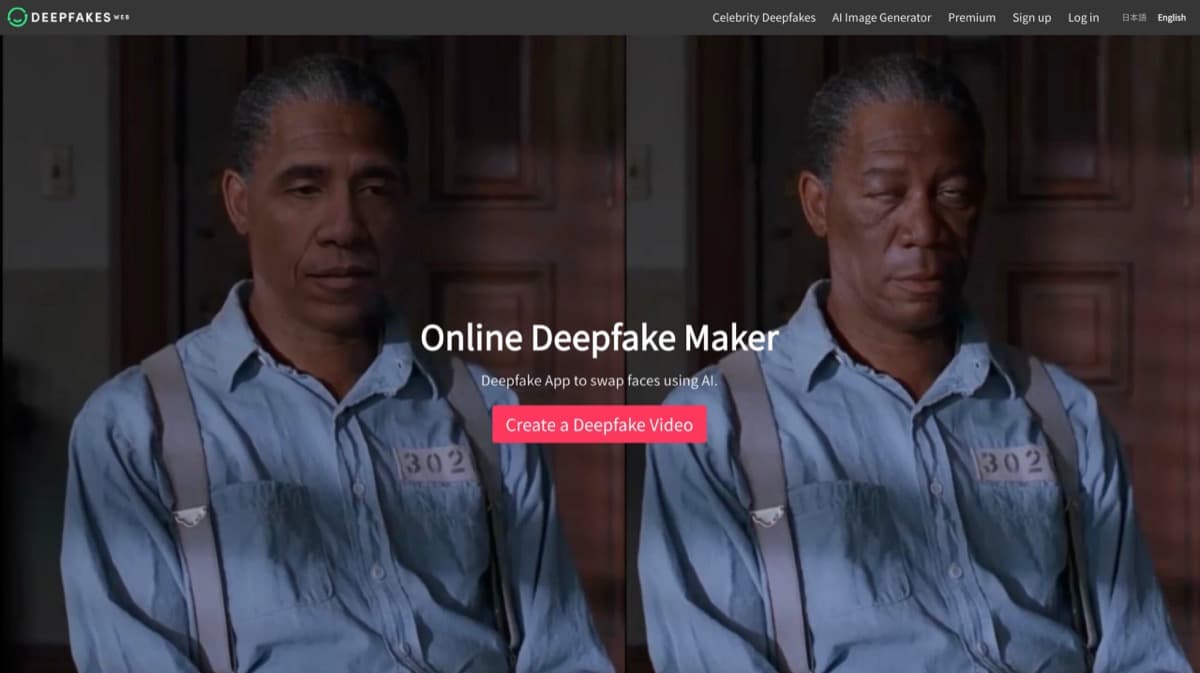
Browser-based face swap with cloud GPU processing and no downloads required.
Deepfakes Web is a browser-based AI face-swapping platform that handles all processing on remote servers, eliminating the need for local GPU hardware or software installation. Users upload a source video containing the target face and a destination video where the swap should appear. The AI automatically extracts and maps facial features across every frame, preserving natural expressions and skin textures for results that avoid the over-smoothed look common with lesser tools. Processing time ranges from 2 to 10 minutes depending on video length and complexity. All exported videos carry a built-in watermark as an ethical safeguard. The platform positions itself as a creative tool for content creators, marketers, and hobbyists rather than an explicitly adult service, though its unrestricted upload policy means it does not filter the type of content processed. This lack of content restriction has made it popular in adult content circles despite the platform not marketing itself for that purpose.
Deepfakes Web delivers on convenience: the browser-based workflow removes every technical barrier to face-swapping, and the 2-10 minute turnaround is genuinely fast for the quality produced. Results maintain natural skin textures and expressions rather than looking artificially smooth. The mandatory watermark is a responsible design choice, though it limits professional use cases. The main drawback is pricing opacity -- exact costs are not published, forcing users to sign up before seeing rates. There is no free tier to evaluate quality before paying. For users who need NSFW face-swapping specifically, the platform does not restrict uploads but also does not optimize for adult content the way dedicated tools do.
Deepfakes Web operates as a paid service with per-video processing fees. Exact pricing is not publicly listed and requires account creation to view. There is no free tier or trial. The pay-per-use model means costs scale with usage volume rather than a flat subscription.
Varies (check site)
Per-video processing fees based on complexity and duration. No subscription required.
Looking for something different? Check out these alternatives.
No. Deepfakes Web is a paid service with per-video processing fees. There is no free tier or trial available. You need to create an account to see current pricing.
No. All processing happens on remote cloud servers. You only need a web browser and internet connection on any device -- no GPU, no software downloads, no special hardware.
The platform does not explicitly block NSFW uploads, but it is not designed as an adult content tool. Built-in watermarks appear on all exports. Users should review the terms of service and consider consent and legality before processing any sensitive content.
Most face swaps complete in 2 to 10 minutes, depending on video length and resolution. This is significantly faster than desktop deepfake software, which can take hours.
Videos are uploaded to remote servers for processing. The platform does not publicly detail its data retention policy, so users should exercise caution with sensitive or personal content. Review the privacy policy before uploading anything you would not want stored.
Other top-scoring video tools you might prefer — all tested with the same rubric.
AI-powered dick rating app that evaluates your photos across six dimensions with roast or hype modes, plus free exhibitionist games like duels and arena.

Musebix.ai is an AI porn maker that generates custom images and videos from text prompts and templates.
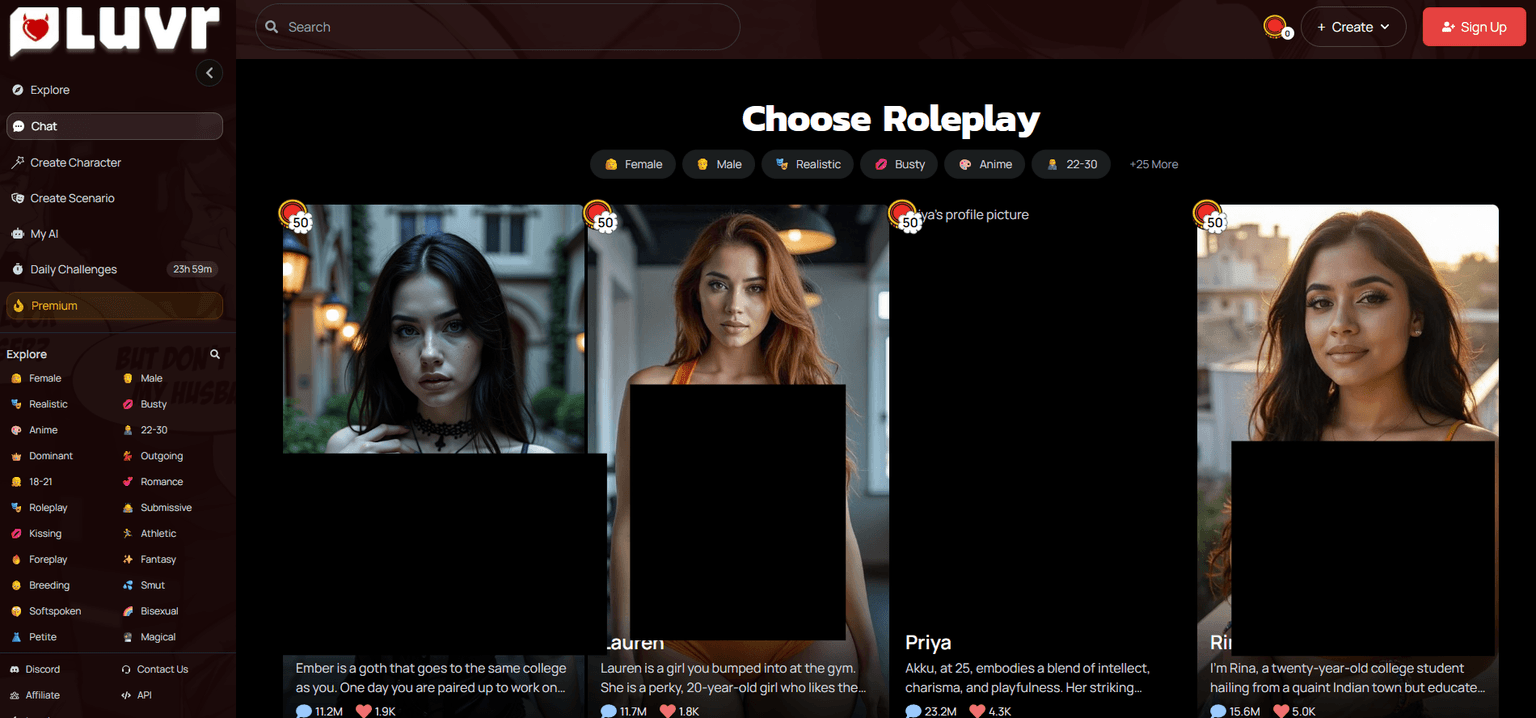
Premium adult streaming platform with 60,000+ videos, 400+ channels, VR support, and interactive toy compatibility. Subscription-based.
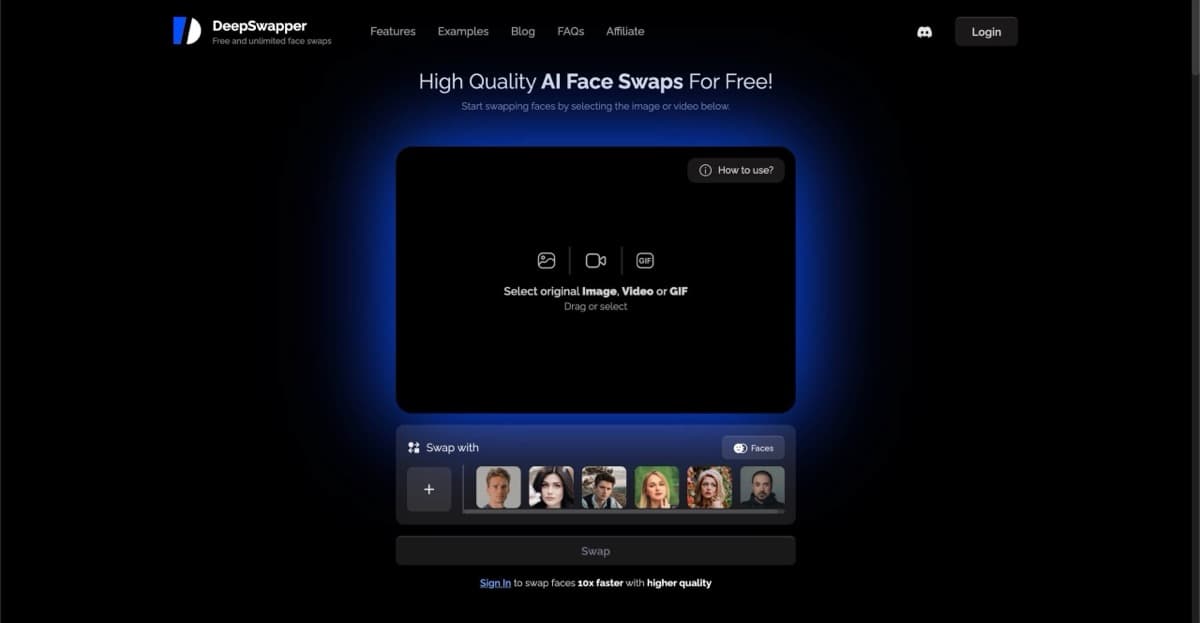
100% free AI face-swapping with unlimited swaps, no signup, and no watermarks.
Affiliate Disclosure: This may be an affiliate link. We may earn a commission at no extra cost to you.